Made with Cool Edit Pro 2.
Made in 2017.
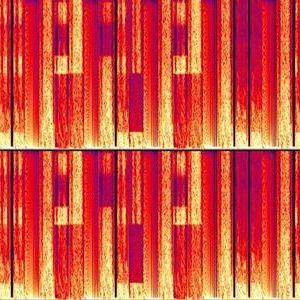
1: Apply the "Expanded Stereo" preset for CEP2's Flanger over any selected audio. (For some reason, this generates clicks over any audio selected.)
2: Apply any setting of CEP2's Full Reverb. (The clicks are really high in decibels, causing the Full Reverb to generate noise.)
3: Apply any low-pass filtering setting with CEP2's Dynamic EQ. (Warp around the noise with the frequency parameter of the Dynamic EQ.)



 View all episodes
