
Sign up to save your podcasts
Or



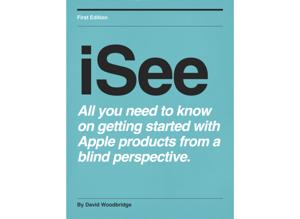
Open up your native Music App on your iPhone, iPad, iPod, iMac, MacBook or even on Apple TV, and play a song. Open the mini-player to show the now playing screen and tap on the Lyrics button down near the bottom. With VoiceOver on, you will hear the lyrics just before the singing starts.
You can employ Air Play and play the song on your speakers or Apple TV system while VoiceOver remains in your device for clarity, as I see it, or should I say, as I hear it?
Read more
we would love to hear from you! Send us an email at [email protected] or give us a call and leave us some feedback at 612-367-6093
 View all episodes
 By Blind Abilities Team

4.7
4848 ratings
Open up your native Music App on your iPhone, iPad, iPod, iMac, MacBook or even on Apple TV, and play a song. Open the mini-player to show the now playing screen and tap on the Lyrics button down near the bottom. With VoiceOver on, you will hear the lyrics just before the singing starts.
You can employ Air Play and play the song on your speakers or Apple TV system while VoiceOver remains in your device for clarity, as I see it, or should I say, as I hear it?
Read more
we would love to hear from you! Send us an email at [email protected] or give us a call and leave us some feedback at 612-367-6093
35 Listeners

16 Listeners

22 Listeners

12 Listeners

1 Listeners

31 Listeners

29 Listeners

4 Listeners

29 Listeners

17 Listeners
19 Listeners

0 Listeners

0 Listeners